C.H. Robinson To Acquire RXO. Learn more.
RXO Carrier Technology: Digital Tools to Book & Manage Freight

Connect to a better
booking experience

Browse, bid, book and manage RXO loads

RXO’s digital load board

Browse, bid, book & settle with RXO Connect

Welcome to RXO Connect™, our proprietary digital freight platform where carriers can browse RXO’s load board, bid on and book available freight, manage active loads, submit invoices and get paid.

Whether you just want to supplement your brokerage rep relationship or go completely digital, Connect empowers you work with RXO in the way you want, whenever you want.

Signing up is fast (and free), and the platform is easy to use — you could be browsing available loads in minutes.

Already joined the RXO carrier network? Create your own Connect account in minutes through single sign on with Highway.
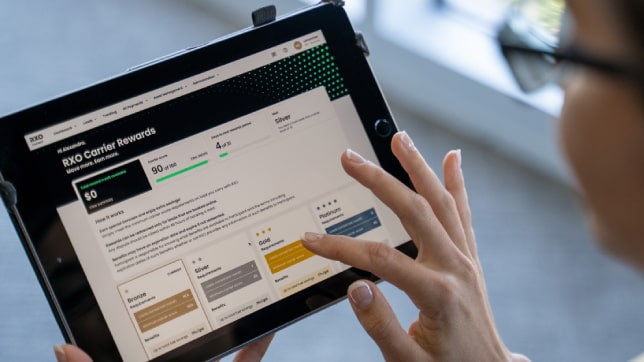
 
Move_Loads_Earn_RXO_Rewards-RXO

Why carriers love RXO Connect

Thousands of daily loads

Browse all the available freight from the third-largest logistics network in North America.

No matter what type of freight your business needs — from one long-haul refrigerated spot load to 1,000 dedicated local runs — you can find it in Connect.

Book freight your way

See a load you want? You can book freight instantly.

Rate doesn’t quite work for your business? You can submit an offer and continue to negotiate with unlimited counter offers. Connect makes it easy to make and manage offers and book freight fast.

Get paid fast

It’s easy to manage your paperwork and submit invoices.

You did the work, Connect helps you get paid for it quickly with as little hassle as possible.

Go mobile with RXO Drive

Get the features and functionality of RXO Connect, optimized for your smartphone.

The RXO Drive™ mobile app is great for drivers and owner-operators who manage their loads from a truck cab, not a desk.

Available for Apple and Android devices, RXO Drive uses the same credentials as your RXO Connect account.
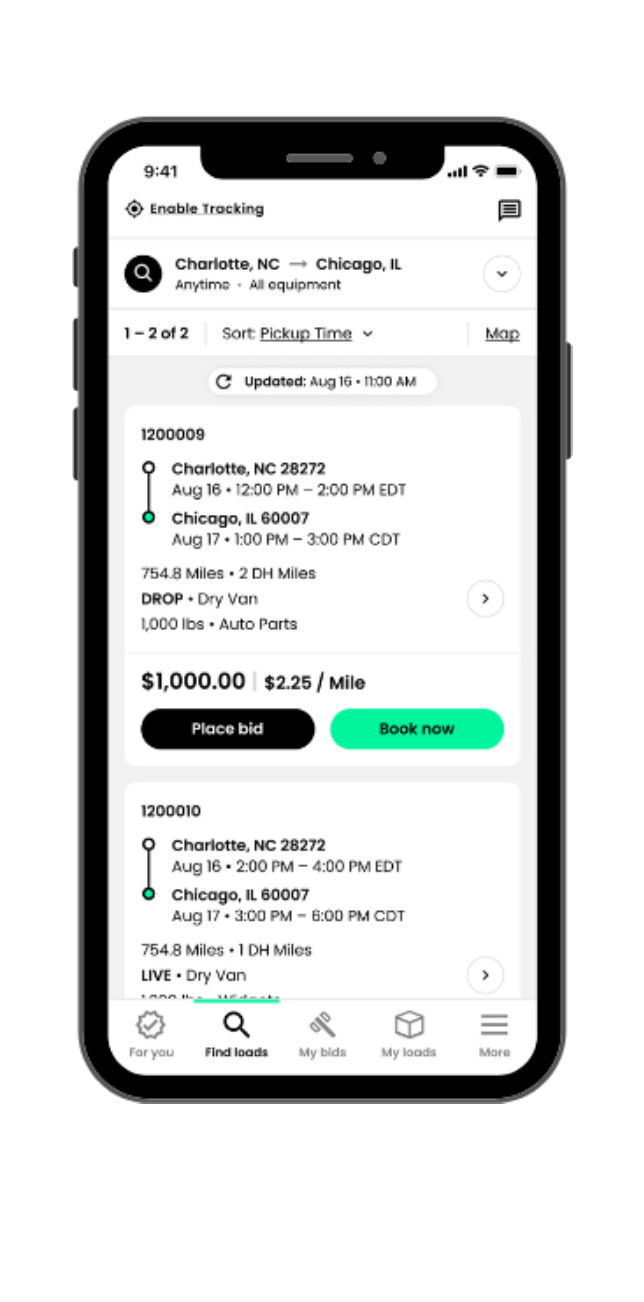
   
 
Book_fast_with_smart_tools-RXO_Drive-RXO-Inc-Mobile
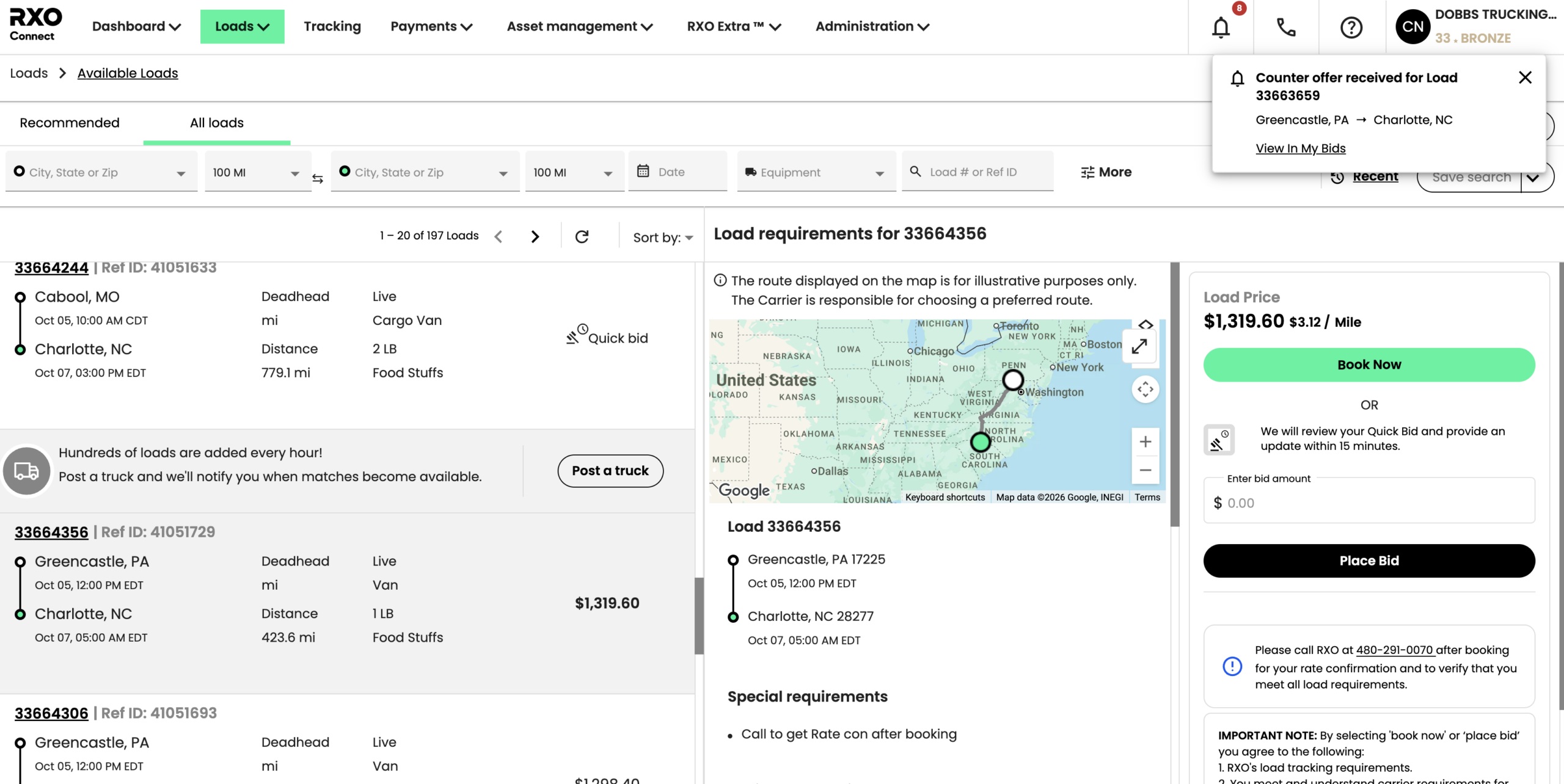
RXO Connect load board bidding process
 

What you can do in Connect & Drive

Browse, negotiate & book

Browse available loads
Choose from thousands of daily loads from the third-largest logistics network in North America. Filter to find what you’re looking for, or rely on automated recommendations.

Book freight instantly
Get the load you want, now. Many available loads can be booked instantly, so you never have to miss out on an opportunity.

Make offers and negotiate
Rate doesn’t work? No problem. Submit offers, get real-time notifications on offer updates, make unlimited counteroffers, and accept RXO counteroffers.

What you can do in Connect & Drive

Take action on
your freight

Dispatch drivers
Whether you’re self-dispatching or managing a fleet, you can update driver details and get loads underway without any emails or phone calls.

Manage active loads
Everything you need to do in route — review facility details, see your rate confirmations, check in and update times, etc. — you can do in Connect.

Provide driver tracking updates
Connect makes it easy to integrate with your ELD provider so you give seamless location updates while hauling RXO freight. No more check calls or emails.
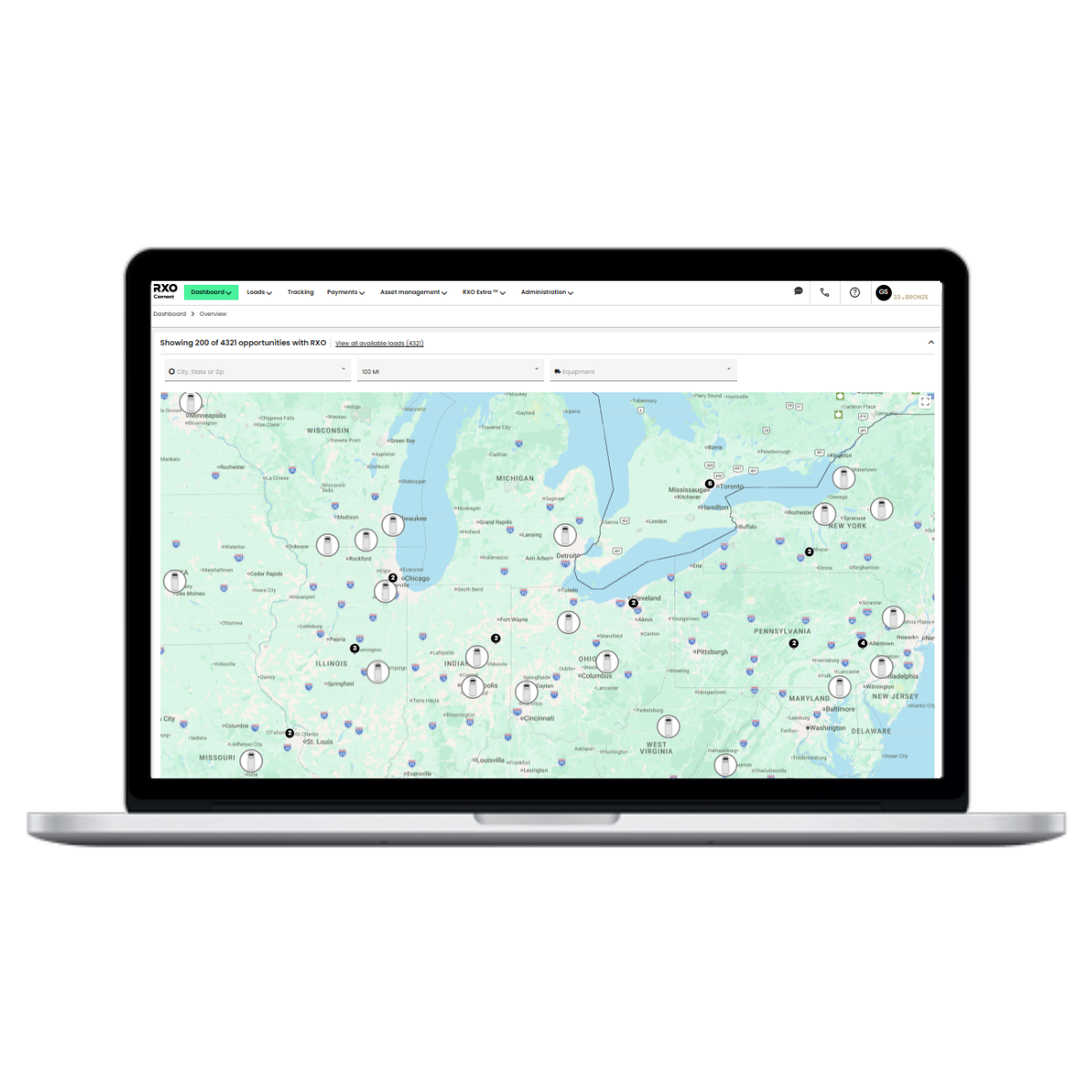
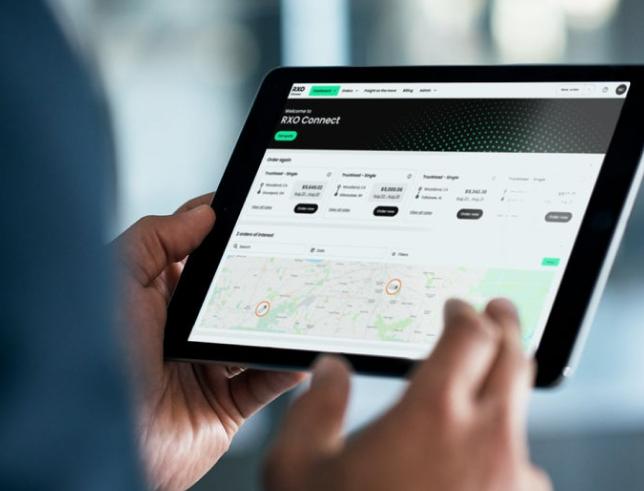
 
Rxo connect load board
RXO-Connect-Screen-Tab
 

What you can do in Connect & Drive

Get paid & manage
your fleet

Manage paperwork
BOLs, PODs, receipts, lumper tickets — all the documentation you have, you can easily drop in to Connect.

Submit invoices
Once you’ve delivered the load and submitted your paperwork, it’s easy to invoice RXO and get paid fast.

Manage your fleet
Have multiple dispatchers and/or drivers that need Connect access? No problem. You can get your whole company set up on Connect and manage permissions so the right people see only what they need to.

RXO Connect & RXO Drive frequently asked questions

RXO Connect is RXO’s proprietary digital freight platform for shippers and carriers.

In the carrier version, trucking companies that have joined the RXO carrier network can manage the full lifecycle of their RXO experience.

Specifically, carriers can browse RXO’s available loads from thousands of shippers, make offers, negotiate counter offers, dispatch drivers, manage active loads, manage paperwork, submit invoices and get paid.

There is also a mobile app (RXO Drive), which uses the same account credentials and has nearly identical functionality.

Carriers can access the RXO load board in RXO Connect (or RXO Drive, the mobile app version).

Once you are in the RXO network, the easiest way to access RXO Connect is through SSO via Highway. Once you’re in Connect, users with appropriate credentials can browse, make offers and book RXO loads.

If you prefer, you can also sign up for Connect with an email and password.

While the Highway SSO integration is instantaneous, the registration process for email may take up to a couple business days to verify identity and administer the account.

No, you do not need to use RXO Connect to work with RXO, however, it is free, fast to sign up, easy to use, and gives you the opportunity to self-manage several parts of your RXO experience.

In short, we highly recommend that you sign up for Connect and see how it can benefit your network.

A strong rep relationship and RXO Connect are not mutually exclusive — in fact, most of the active carriers in our network use both.

RXO Connect allows you to handle the parts of your RXO experience that are a good fit for self-service, and rely on your rep where you want a trained logistics professional.

No, RXO Connect for carriers is completely free of charge for carriers in the RXO network. The same goes for RXO Drive, the mobile app version.

There are two potential reasons.

The first reason: it is possible your user type does not have the requisite permissions — only Admins and Dispatchers are able to book freight.

If you want to upgrade your user type, reach out to your account admin.

The second reason: for security purposes, we do not allow carriers to book their first RXO load digitally.

Once you have established a load history with RXO, we will automatically upgrade your Connect account and you will be able to see more available loads as well as gaining the ability to book them digitally.

If you see a load you wish to book and are not able to, reach out to your RXO rep.


The easiest way to log in is through RXO’s integration with Highway using single sign on (SSO).

You can log in here — select Sign In With Highway, enter your Highway credentials, and you will go directly into Connect (assuming you are an active carrier in the RXO network).

You can also register for Connect account with your email and password if you do not have a Highway account or would prefer not to use the SSO integration.

If you are already using your email and password to log in to RXO Connect, then continue to use your existing credentials.

If you experience an error and are prompted to login with username and password instead, then you are not eligible for SSO and must use your Connect username and password to log in.

If you are having issues, reach out to your rep, or for assistance.


Yes, you can have multiple Connect and/or Drive users tied to the same carrier account.

Each Connect user is tied to a unique email, and each carrier account is determined by its United States Department of Transportation (USDOT) number.

There are three ways to associate users with your carrier account:

  1. Once you are set up in Connect (assuming you have an Admin role), you can use Connect to invite new users to join your account.
  2. If a new user already has a Highway account (that is associated with your USDOT number), they can use our Highway SSO integration to activate themselves in Connect, which will automatically associate them to the correct carrier account.
  3. You can ask your RXO rep to invite new users.

RXO Connect has different user types (Driver, Dispatcher, Accounting Office, Admin) and each has different permission settings.

To change a user’s user type, you can reach out to your RXO rep or email RXOConnectSupport@rxo.com.


That depends on how you set up their permissions. If (assuming you are an admin) you want drivers (or other employees) to be view rates and book loads, you can.

If you want them to have restricted access, you can change their user type.

If you assign someone a Driver user type, they will not be able to view rates and book loads. They will be able to view upcoming, current and completed loads that you have assigned to them, as well as view facility details and make status updates (e.g., en route to pick up, delayed, etc.).

If you invite users via Connect, you can set their user type. If a new user activates their Connect account via SSO with Highway, then their default user type will be Dispatcher.

The only user types that can see the load board are Admin and Dispatcher.

To change a user’s user type, you can reach out to your RXO rep or email RXOConnectSupport@rxo.com.

If you have questions about your Connect account, you can either reach out to your RXO rep, or email RXOConnectSupport@rxo.com for assistance.

RXO Drive is the mobile app version of RXO Connect.

Both RXO Connect and RXO Drive have virtually the same functionality.

Though you can access RXO Connect with an internet browser from your mobile device, some carriers — especially drivers — prefer the optimized app experience.

No, RXO Connect and RXO Drive use the same credentials.

Whether you are using an email and password combo to log in or SSO via Highway, your login experience will be identical.

Sign up for RXO Connect

Browse and bid on thousands of daily loads